Word Clash : Social Puzzle2.2.1
Publisher Description
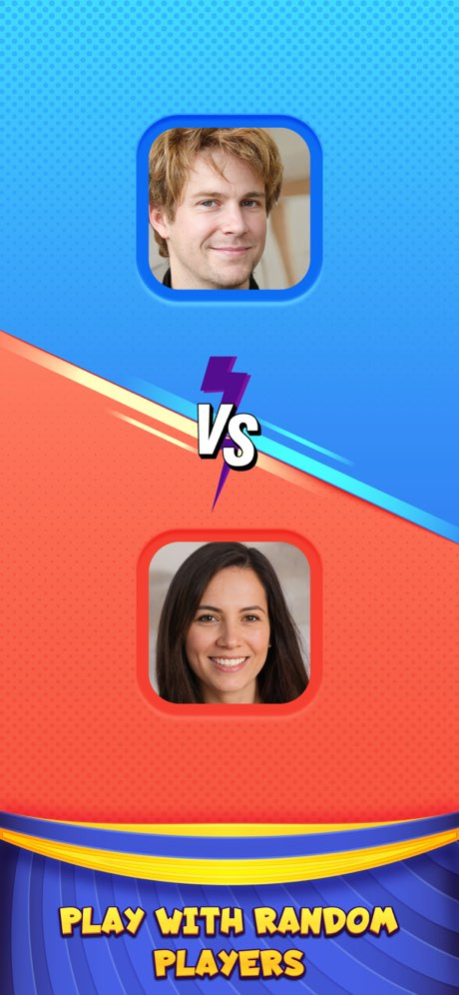
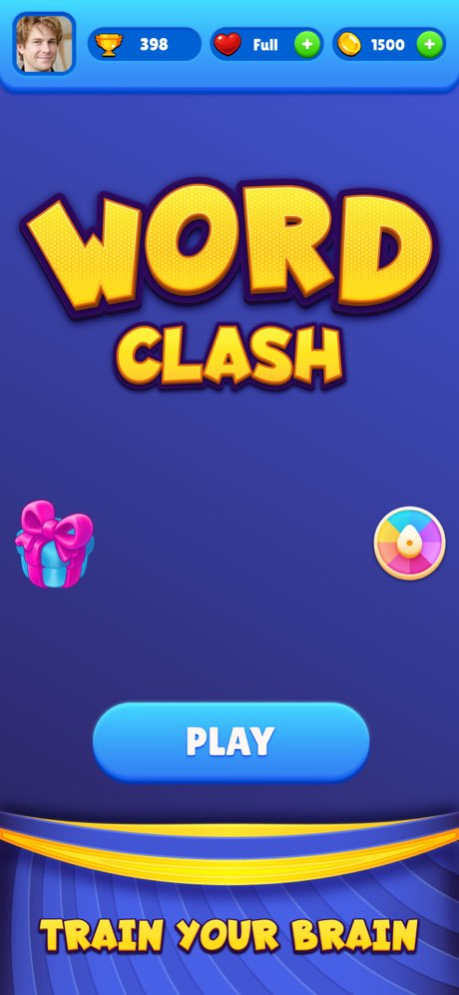


"Amuse yourself with the latest online multiplayer word game ."
Word Clash is a fun and exciting multiplayer word game where you can play against your friends or random players all over the world.
GAME PLAY:
You can choose to play with your friends or with a random player online.
In each match the players will be given 7 alphabets to search words.
. There are 5 rounds for each player.
. Both Users get a chance each one by one to search and form a word with the given seven letters.
. You will get 25 seconds each to come up with a word of the length of three to seven letters in every round.
. The longer the word length the higher the value it adds to your score.
. The player who gets the highest score after all the rounds wins the game.
REMEMBER: 'Longer the word, more the points'.
2 Bonus Features:
1. CLUE: Got stuck, unable to find a word? No worries! You can use hints to come up with the word you need.
2. EXTEND TIMER: If you need more time around, you can use the extend timer option and your time to find words will increases.
Explore new words. Enhance your vocabulary. Practice spelling skills. Relieve stress. Boost your mood and mind.
Version History -Bug Fixes 2.2.1 Sep 1 -Minor Bug Fixes 2.1.19 10/18/2023 -Achievement badges added.
-Battle history added.
-Bug fixes. 2.1 10/13/2023 1.0 03/30/2023
About Word Clash : Social Puzzle
The company that develops Word Clash : Social Puzzle is Ocean Studios, Inc.. The latest version released by its developer is 2.2.1.
To install Word Clash : Social Puzzle on your iOS device, just click the green Continue To App button above to start the installation process. The app is listed on our website since 2026-10-06 and was downloaded 0 times. We have already checked if the download link is safe, however for your own protection we recommend that you scan the downloaded app with your antivirus. Your antivirus may detect the Word Clash : Social Puzzle as malware if the download link is broken.
How to install Word Clash : Social Puzzle on your iOS device:
- Click on the Continue To App button on our website. This will redirect you to the App Store.
- Once the Word Clash : Social Puzzle is shown in the iTunes listing of your iOS device, you can start its download and installation. Tap on the GET button to the right of the app to start downloading it.
- If you are not logged-in the iOS appstore app, you'll be prompted for your your Apple ID and/or password.
- After Word Clash : Social Puzzle is downloaded, you'll see an INSTALL button to the right. Tap on it to start the actual installation of the iOS app.
- Once installation is finished you can tap on the OPEN button to start it. Its icon will also be added to your device home screen.
Program Details
System requirements
Download information
Pricing
Version History
version 2.2.1
posted on 2026-10-06
Version History -Bug Fixes 2.2.1 Sep 1 -Minor Bug Fixes 2.1.19 10/18/2023 -Achievement badges added.
-Battle history added.
-Bug fixes. 2.1 10/13/2023 1.0 03/30/2023
version 2.2.1
posted on 2026-09-04
Version History -Bug Fixes 2.2.1 3d ago -Minor Bug Fixes 2.1.19 10/18/2023 -Achievement badges added.
-Battle history added.
-Bug fixes. 2.1 10/13/2023 1.0 03/30/2023
version 2.1.19
posted on 2026-08-23
Version History -Minor Bug Fixes 2.1.19 10/18/2023 -Achievement badges added.
-Battle history added.
-Bug fixes. 2.1 10/13/2023 1.0 03/30/2023
version 2.1.19
posted on 2023-10-18
-Minor Bug Fixes
version 2.1.19
posted on 2023-10-18
Oct 18, 2023
Version 2.1.19
-Minor Bug Fixes
